Free template · Planning
One-page social media strategy template
A social media strategy connects what you post to what the business needs. This template fits it on one page: the goals, who you're talking to, what each platform is for, what you'll post, the resources you have, and the targets that show whether it's working.
Download free · no sign-up
- Excel / Google SheetsXLSXFormatted, with dropdowns and formulas
- CSVCSVThe main table, for any app
- Calendar remindersICSGoogle Calendar, Outlook, Apple
Preview
What's inside
- A one-page strategy: business goal, social goals, audience, positioning, content pillars, community, resources, measurement and review
- A platform plan: each platform's role, audience, formats, posts a week, owner and main KPI
- KPI targets with a baseline, a target and progress calculated from where you started
- A version to copy into your own docs
The columns, explained
- Platform
- Only the platforms where your audience is and you can post well.
- Role
- What this platform does for the goals: discovery, community, traffic, local visits.
- Posts a week
- What you can sustain with the resources you have.
- Main KPI
- One number that shows whether the platform is doing its job.
How to use this template
Start from the business goal
Write what the business needs, then two or three social media goals that serve it.
Describe the audience
Who they are, what they care about and where they spend their time.
Give each platform a job
Choose platforms by where the audience is and what you can sustain, and pick one KPI for each.
Set targets and a review date
Record a baseline, set targets, and put the quarterly review in the calendar.
Tips
- Fewer platforms done well beat many done badly. Every platform needs a role and an owner.
- Make goals SMART: specific, measurable, achievable, relevant and time-bound.
- Record a baseline before you set a target; without one, progress means nothing.
- Set posting frequency from the hours you really have, not from what other brands do.
- A one-page strategy gets read. Put the detail in the content calendar and the playbooks.
Do this automatically in HeyOrbit
Put the strategy to work in HeyOrbit
- Plan posts by pillar and platform on a shared content calendar, with labels.
- Schedule to every platform you use; posts publish automatically at the time you choose.
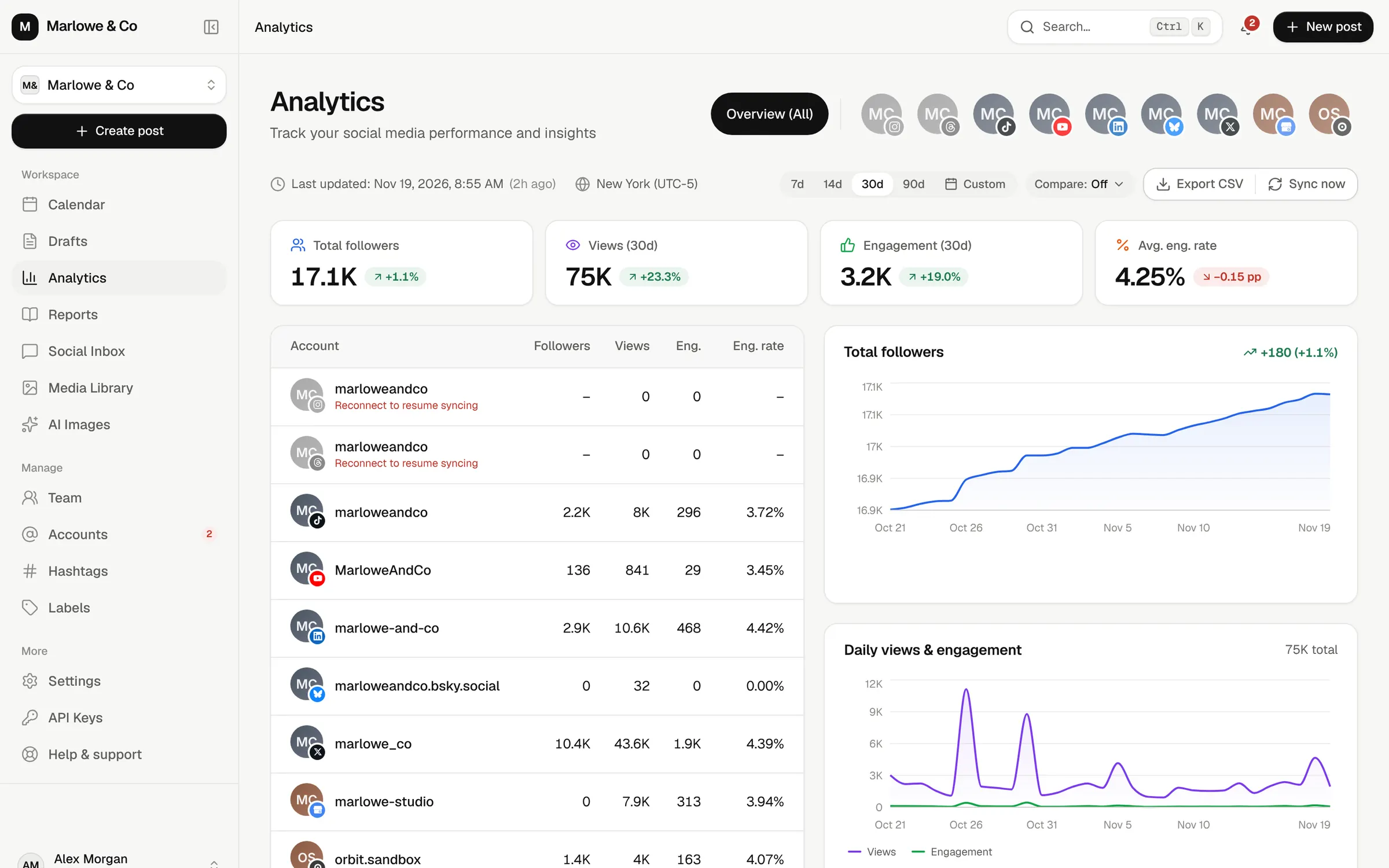
- Analytics for every account to measure each platform's KPI.
- A branded monthly report, emailed on a schedule.
Free to sign up. You pay $6 (₹499 in India) a month for each social account you connect, with unlimited team members. Book a call if you'd like a walkthrough.