Free template · Workflow
Social media content brief template
A content brief gets everyone to agree what a post or campaign must do before anyone writes or designs anything. Fill in this one-page brief, share it with the writer, designer or creator, and use it again when you review the work.
Download free · no sign-up
Preview
What's inside
- The brief: goal, audience, key message, proof, deliverables, call to action, tone, mandatories and things to avoid
- Logistics: budget, deadlines, approvers and how success will be measured
- A deliverables sheet with platform, format, specs, due date, owner and status
- A filled-in example for a product launch
- A version to copy into Google Docs, Notion or Word
- A printable one-page form
The columns, explained
- Platform
- Where it will be published.
- Format
- Reel, carousel, Story, post, Pin…
- How many
- Number of pieces in this row.
- Specs
- Shape, size, length and file details.
- Copy limit
- The platform's limit for the text that goes with it.
- Due
- When the final file is due.
- Owner
- Who makes it.
- Status
- Where it is in the process.
How to use this template
Start from the goal
Fill in the goal and audience first. If you can't, the content isn't ready to brief.
Fill in the rest
Key message, proof, deliverables, tone, must-haves, deadlines and approvers, on one page.
Walk the creator through it
Ten minutes of questions now saves a round of revisions later.
Review against the brief
Check drafts against the goal and the must-haves rather than personal taste.
Tips
- Write one goal. A brief with three goals produces content that serves none of them well.
- Be specific about must-haves and things to avoid; they're where most rework comes from.
- Show what good looks like with two or three reference posts.
- Put the specs for every platform in the brief, so nothing has to be re-cut later.
- Attach the brief to the approval request, so reviewers judge the work against what was asked for.
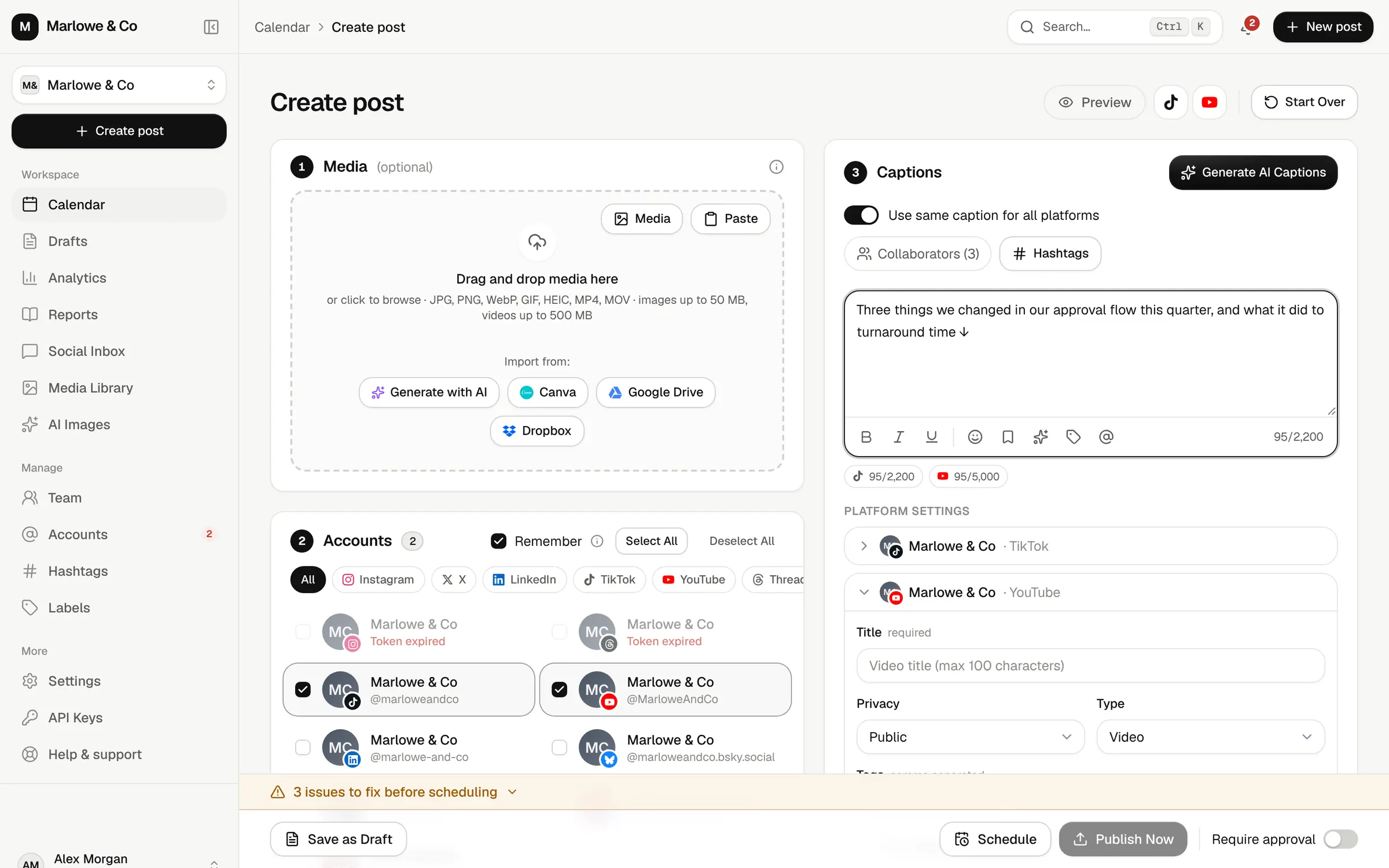
Do this automatically in HeyOrbit
Turn the brief into scheduled posts in HeyOrbit
- Every post has its own discussion with @mentions, so feedback stays with the content.
- Approvers review the real post with platform previews before it's scheduled.
- Assets live in a media library with Canva, Google Drive and Dropbox imports.
- The composer checks every caption and file against each platform's limits.
Free to sign up. You pay $6 (₹499 in India) a month for each social account you connect, with unlimited team members. Book a call if you'd like a walkthrough.