Free template · Workflow
Social media approval workflow template
An approval workflow decides who checks a post, in what order and by when, so nothing goes live with a wrong price, a broken link or a claim nobody cleared. This template sets out the steps, gives authors and approvers one checklist, and keeps a log of every decision.
Preview
What's inside
- Approval steps: who reviews, what they check, how long they have and what happens if they're away
- A pre-approval checklist for copy, visuals, links, accessibility, compliance and timing
- An approval log with version, approver, decision, reason and date for every post
- Dropdowns for decisions and approval rules
- A printable checklist for reviewers
- Weekly calendar reminders for submitting and approving next week's posts
The columns, explained
- Step
- The stage, in order.
- Who
- The role (and name) responsible for the step.
- What they check
- The specific things this person is accountable for.
- Turnaround
- How long they have, in working time.
- Needs
- Whether one person or everyone in the step must approve.
- If there's no answer
- The deputy, or what happens to the post.
How to use this template
Map the steps
Write down who checks posts today and what each person looks for. Keep only the steps that catch real risks.
Set turnaround times
Give every step a deadline and a deputy, so a post never waits on someone who's away.
Share the checklist
Authors run it before submitting; reviewers use it to keep feedback specific.
Log every decision
Record the version, decision and reason. Patterns in the reasons show what to fix upstream.
Tips
- Most posts need one approver. Add specialist steps only for posts with claims, prices, offers or regulated topics.
- Ask for a reason with every rejection. "Not quite right" costs a round; "the price on slide 3 is out of date" doesn't.
- Approve the post exactly as it will appear, with the real platform preview, not a screenshot pasted into an email.
- Batch approvals: send a week's posts at once with a deadline, instead of one request per post.
- Never edit an approved post without sending it back for approval.
Do this automatically in HeyOrbit
Run approvals inside HeyOrbit
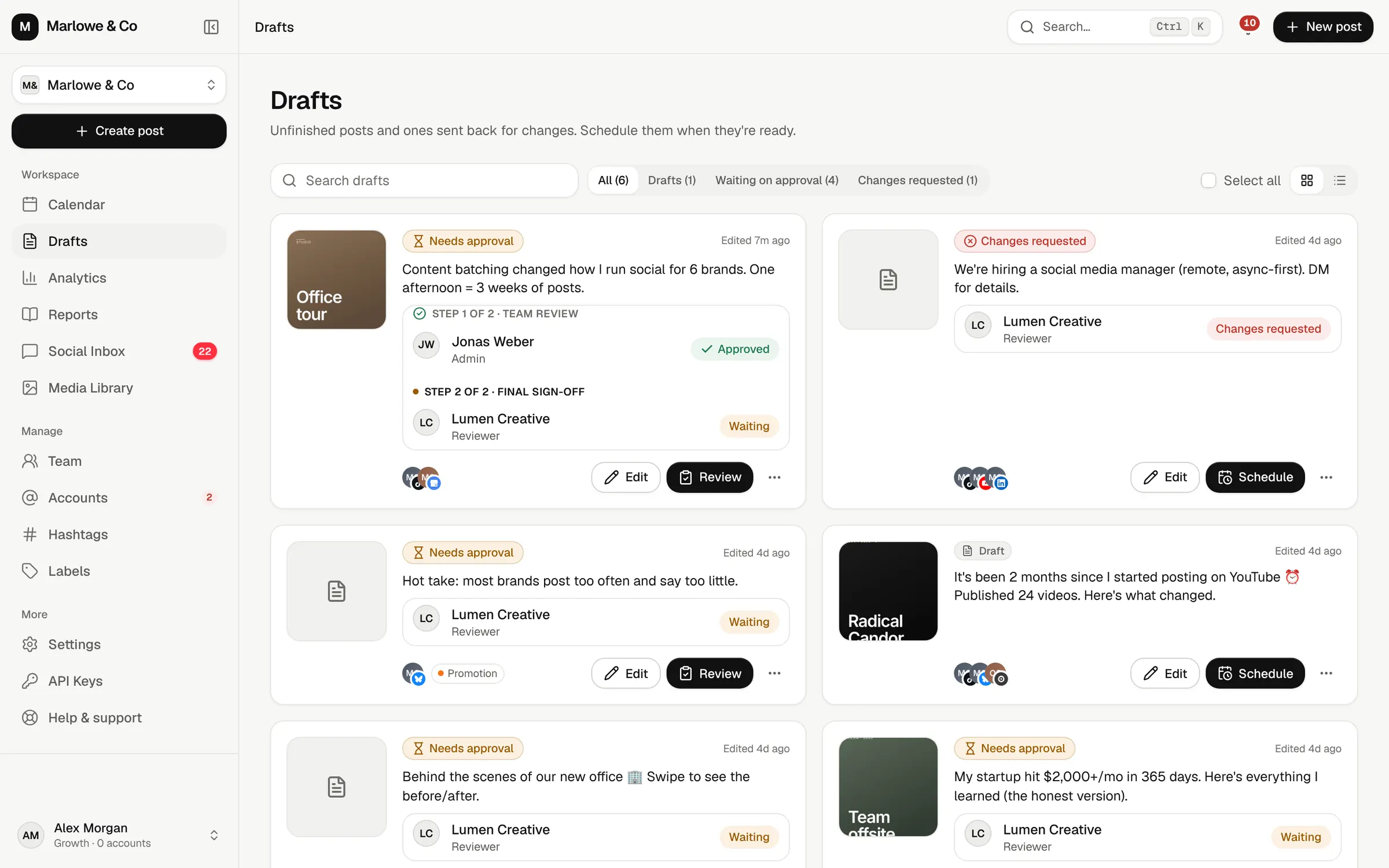
- One approver or several steps; nothing publishes until every required person has said yes.
- Reviewers see the real post with platform previews, and a rejection always comes with a reason.
- Draw on images or video frames to show exactly what to change; every round is kept as a version.
- Unlimited reviewers at no extra cost, with a review portal in your branding.
Free to sign up. You pay $6 (₹499 in India) a month for each social account you connect, with unlimited team members. Book a call if you'd like a walkthrough.