Free template · Workflow
Social media posting checklist
A posting checklist catches the mistakes that are easy to make and awkward to fix once a post is live: a typo in a price, a broken link, a video that's too long, a missing alt text. Run through it before you schedule, and keep each platform's limits next to it.
Download free · no sign-up
Preview
What's inside
- A pre-publish checklist: words, links, images and video, platform rules, timing and approval
- What to do in the first hour after a post goes live
- Each platform's text limit, how it counts characters, title, hashtag, media and video limits
- Limits taken from the table HeyOrbit's composer checks, so they match what the platforms' publishing APIs accept
The columns, explained
- Text
- The most text a post can have. Hashtags, mentions and links count toward it.
- How it's counted
- Platforms count characters differently, so the same caption can fit on one and not another.
- Title
- Platforms that ask for a separate title.
- Hashtags, mentions and links
- Rules beyond the text limit.
- Media per post
- How many photos or videos one post can hold, by post type.
- Longest video
- The longest video each post type accepts.
How to use this template
Download or print it
Keep the checklist next to wherever you write posts.
Check before you schedule
Run through every group for each post, not just the ones you remember.
Look up the platform's limits
Use the table when a post goes to a platform you post to less often.
Add your own lines
Every mistake that gets through deserves a line on the checklist.
Tips
- Read the post on a phone before scheduling. That's where most people will see it.
- Check links by clicking them, not by reading them.
- When a post goes to several platforms, write to the tightest limit, or adapt the caption per platform.
- Have a second person check anything with prices, dates, claims or legal lines.
- If a mistake does go out, fix it fast and say so; don't quietly delete a post people have already replied to.
Do this automatically in HeyOrbit
Let HeyOrbit do the checking
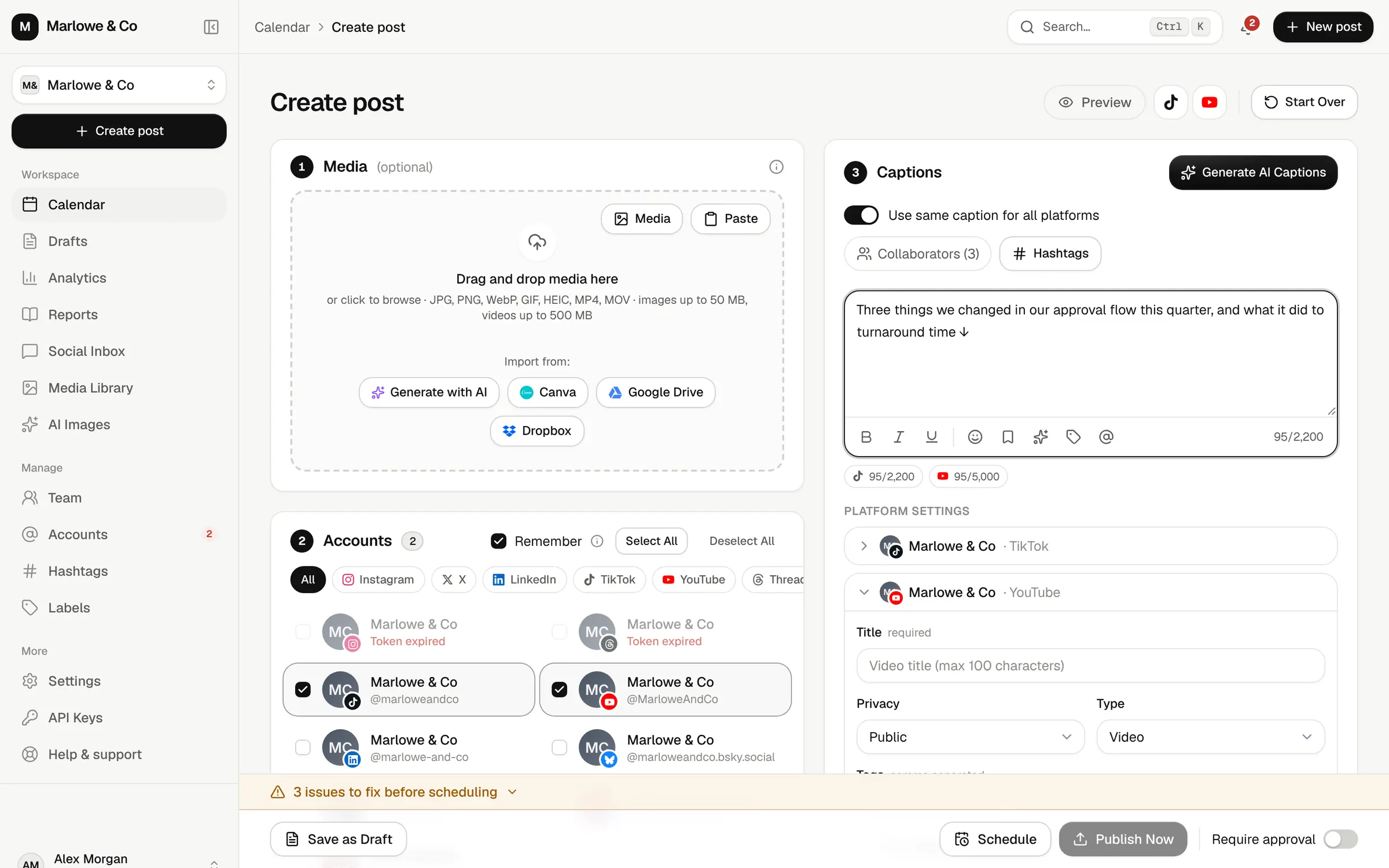
- The composer checks every account against these limits, counted each platform's way, before a post can be scheduled.
- Live previews show how the post will look on each platform.
- Alt text per image, sent to the platforms that accept it.
- Approvals before anything publishes, with versions and markup.
Free to sign up. You pay $6 (₹499 in India) a month for each social account you connect, with unlimited team members. Book a call if you'd like a walkthrough.